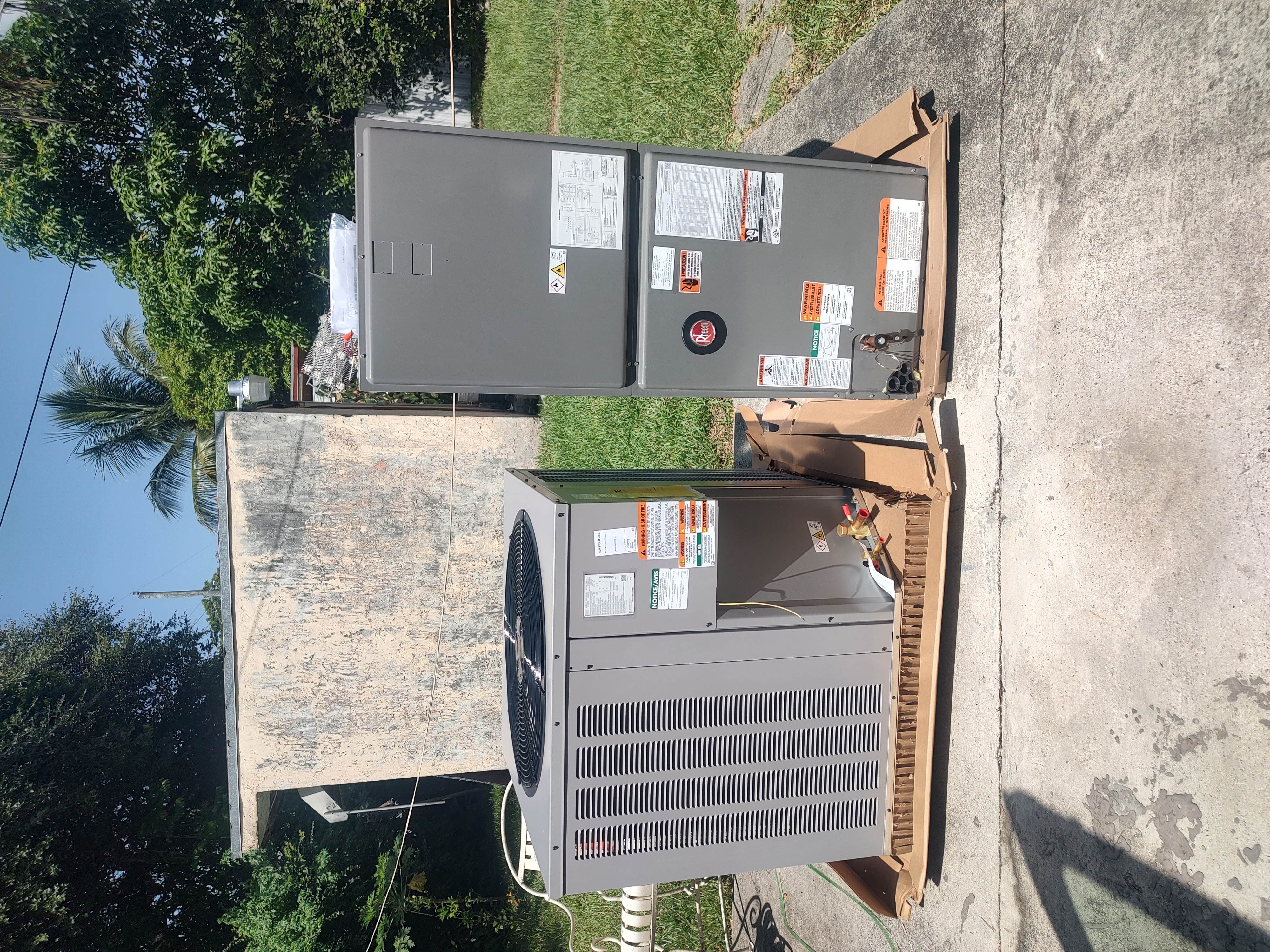
Thermostat Not Responding? Here’s What to Check Before Calling for Service
In the sweltering heat of South Florida, a functioning air conditioning system is essential to maintaining your home's comfort. 🏠 Your thermostat is the control center of your AC system, and when it stops responding, it can lead to discomfort and frustration. If you're experiencing issues with your thermostat, there's no need to panic. Here are some steps you can take to troubleshoot the problem before calling in professionals for help. 🔧
Common Thermostat Issues ❌
Before we dive into troubleshooting, let's look at some common reasons why a thermostat might not respond:
Dead batteries:One of the simplest issues could be dead batteries. If your thermostat is battery-operated, this is the first thing to check.
Wrong settings:It’s easy to accidentally switch your thermostat to the wrong mode or temperature setting.
Dirty components:Dust and debris can interfere with the thermostat's internal sensors.
Wiring issues:Loose or damaged wires can disrupt communication between your thermostat and your HVAC system.
What to Check Before Calling for Service 🔍
1. Check the Power Source
Make sure your thermostat is receiving power. If it’s battery-operated, replace the batteries with fresh ones. If it’s hardwired, ensure that the circuit breaker hasn't tripped. A simple reset might resolve the issue.
2. Inspect the Settings
Double-check your thermostat's settings. Ensure it’s set to the correct mode (cooling, heating, or auto) and that the temperature setting is appropriate for the current weather. Sometimes, a simple adjustment is all it takes.
3. Clean the Thermostat
Open the thermostat cover and gently clean any dust or debris with a soft brush or compressed air. Be careful not to damage any components. Cleanliness can often restore its functionality.
4. Verify the Wiring
If you’re comfortable with electrical components, remove the thermostat cover and inspect the wiring for any obvious signs of damage. However, if you’re not confident, it's best to leave this to the professionals to avoid further damage.
5. Check for Software Issues
If you have a smart thermostat, ensure it’s connected to Wi-Fi and that the software is up-to-date. You can usually find update options in the thermostat's settings menu.
📞754-225-7767🌐https://generalxplus.com/We are AC experts. Best price and quality in Florida.
When to Call a Professional 🛠️
If you've tried all the above steps and your thermostat is still not responding, it may be time to call in the experts. Here are some scenarios where professional HVAC service is recommended:
Persistent issues:If the problem returns after troubleshooting, a deeper issue might be at play.
Complex repairs:If wiring or internal component issues are suspected, it's safer and more effective to let professionals handle it.
New thermostat installation:If you’re considering upgrading to a smart thermostat or replacing your existing unit, professional installation ensures optimal performance.
Local Expertise in South Florida
General X Plus provides residential HVAC services across South Florida, including areas like Fort Lauderdale, Boca Raton, and Delray Beach. Our team can quickly diagnose and fix thermostat issues to restore comfort to your home.
📞754-225-7767🌐https://generalxplus.com/AC experts you can count on for quality service at a great price.
Tips for Preventing Future Thermostat Issues 🛡️
To keep your thermostat in top condition and avoid future problems, consider these maintenance tips:
Regular Cleaning:Keep your thermostat free from dust and debris.
Routine Battery Replacement:Change the batteries twice a year, or as needed, to ensure continuous operation.
Scheduled HVAC Maintenance:Regular professional maintenance of your HVAC system can prevent issues before they arise.
Preventive maintenance not only extends the life of your thermostat but also enhances the efficiency of your entire HVAC system.
FAQs on Thermostat Troubleshooting ❓
Why is my thermostat blank?
A blank thermostat screen can indicate a power issue, such as dead batteries, a tripped breaker, or a blown fuse. Start by checking these possibilities.
Can a faulty thermostat affect my AC's performance?
Yes, a malfunctioning thermostat can cause your AC to run inefficiently, leading to uneven cooling and higher energy bills.
How do I reset my thermostat?
Most thermostats can be reset by turning off the power, removing the batteries, waiting for a minute, and then restoring power or reinserting the batteries. Check your thermostat's manual for specific reset instructions.
📞754-225-7767🌐https://generalxplus.com/Expert AC service, quality work, and competitive pricing.
Conclusion
A non-responsive thermostat can be frustrating, especially during the hot Florida summers. By following these troubleshooting steps, you can often resolve the issue on your own. However, if the problem persists, don't hesitate to contact General X Plus for professional assistance. We’re here to ensure your home remains comfortable, all year round.
For reliable HVAC service across South Florida, remember General X Plus. Whether you’re in Boynton Beach, West Palm Beach, or anywhere in the surrounding areas, our team is ready to assist you.
📞754-225-7767🌐https://generalxplus.com/Professional AC service with quality workmanship and competitive pricing.